Claude Connectors vs Claude Apps: What Developers Need to Know (April 2026)
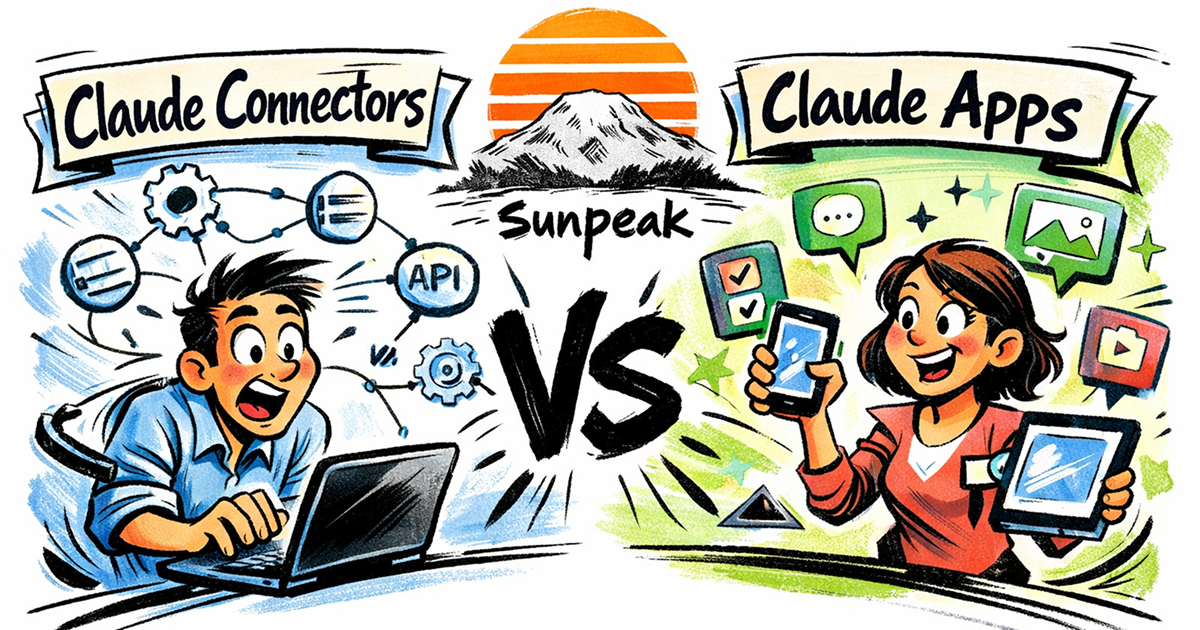
Claude Connectors vs Claude Apps.
TL;DR: Claude Connectors give Claude access to your data. Claude Apps give users interactive UI inside the chat. Both are MCP servers. If you want to build the interactive kind, use sunpeak to build an MCP App that works in Claude, ChatGPT, and other hosts.
Anthropic shipped two overlapping features in early 2026, and the naming makes them easy to confuse. Claude Connectors and Claude Apps are both built on MCP (Model Context Protocol), both live in the Connectors Directory, and both extend what Claude can do. But they solve different problems.
This post breaks down the differences, explains when you would build each, and shows how they relate to MCP Apps.
Claude Connectors: Data In
Claude Connectors are MCP servers that give Claude access to external data and services. When you install a connector, Claude can read your Google Drive files, search your Slack messages, pull metrics from Amplitude, or look up contacts in your CRM.
The connector handles authentication, fetches the data, and passes it to Claude as context. Claude then reasons over that data and responds to the user. The user sees Claude’s text response, not a custom UI.
Anthropic ships first-party connectors for Google Drive, Google Calendar, Gmail, DocuSign, Notion, Stripe, WordPress, and more. The Connectors Directory launched in July 2025 and has grown to over 200 integrations as of April 2026. Recent waves of additions have brought in creative tools (Adobe, Blender, Autodesk, Ableton, Splice) and consumer apps (Spotify, Uber, Instacart, AllTrails, Booking.com, TripAdvisor). Free users can access standard connectors. Paid plans (Pro, Max, Team, Enterprise) can connect custom MCP servers.
From a developer’s perspective, a standard connector is an MCP server that exposes tools. Claude calls your tools, gets structured data back, and uses it in its responses. For a deeper look at the architecture, see How Claude Connectors Work.
Claude Apps: UI Out
Claude Apps are interactive applications that render inside Claude’s chat. When Claude calls a tool, instead of returning text, it can display your HTML (usually a built React component) in a sandboxed iframe. Users interact with your UI directly: clicking, filtering, scrolling, submitting forms.
Figma, Canva, Asana, Slack, Adobe, Blender, Box, Hex, and monday.com all ship Claude Apps. These are full interactive tools embedded in the conversation, not formatted text. In the Connectors Directory, they show up with an “Interactive” badge.
Technically, a Claude App is an MCP App. It is an MCP server that exposes both tools (backend logic) and resources (frontend React components). The MCP App standard defines how the host passes tool output to the resource and how the resource communicates state back to the model.
MCP Apps support multiple display modes (inline, fullscreen, picture-in-picture) and adapt to each host’s theme and CSS variables, so your UI looks native whether it runs in Claude or ChatGPT.
The Relationship
Here is the simplest way to think about it:
- All Claude Connectors are MCP servers.
- Claude Apps are Claude Connectors that also include MCP App resources (UI).
- Not all connectors are apps, but all apps are connectors.
If your connector only returns data for Claude to reason over, it is a standard connector. If your connector renders an interactive UI for the user, it is a Claude App.
You can also build a connector that does both: returns data to Claude for reasoning and renders a UI for the user. The data and UI paths are independent. Most of the first-party interactive connectors work this way, because the same tool call can provide structured data for Claude to reference in conversation while also showing the user a rich visual interface.
Building a Standard Connector
A standard connector is an MCP server with tools. Here is a minimal example that exposes a single tool:
import { McpServer } from '@modelcontextprotocol/sdk/server/mcp.js';
import { z } from 'zod';

const server = new McpServer({ name: 'my-connector', version: '1.0.0' });

server.tool(
  'get-metrics',
  { timeframe: z.enum(['day', 'week', 'month']) },
  async ({ timeframe }) => {
    const data = await fetchMetrics(timeframe);
    return { content: [{ type: 'text', text: JSON.stringify(data) }] };
  }
);
Claude calls get-metrics, gets JSON back, and weaves it into a text response. No UI involved.
For the full walkthrough of building, deploying, and submitting a connector, see the Claude Connectors Tutorial. You can also review tool design patterns and data access patterns to make your connector work well with Claude’s reasoning.
To distribute your connector, you submit it to the Connectors Directory. Anthropic reviews it, and users install it from claude.ai. The directory submission guide covers the full requirements.
Building a Claude App (Interactive Connector)
A Claude App adds MCP App resources on top of the MCP server. The resource is a React component that receives the tool output and renders it as UI.
import { useToolData, SafeArea } from 'sunpeak';
import type { ResourceConfig } from 'sunpeak';

export const resource: ResourceConfig = {
  description: 'Display metrics as an interactive dashboard',
};

interface MetricsData {
  title: string;
  metrics: { label: string; value: string; change: string }[];
}

export function MetricsDashboard() {
  const { output } = useToolData<unknown, MetricsData>(undefined, undefined);
  if (!output) return null;

  return (
    <SafeArea className="p-4 font-sans">
      <h1 className="text-xl font-bold mb-4">{output.title}</h1>
      <div className="grid grid-cols-3 gap-4">
        {output.metrics.map((m) => (
          <div key={m.label} className="p-3 bg-gray-50 rounded-lg">
            <div className="text-sm text-gray-500">{m.label}</div>
            <div className="text-2xl font-bold">{m.value}</div>
            <div className="text-sm text-green-600">{m.change}</div>
          </div>
        ))}
      </div>
    </SafeArea>
  );
}
useToolData receives the tool output. SafeArea handles safe rendering across hosts.
The fastest way to get started is with sunpeak:
npx sunpeak new sunpeak-app
cd sunpeak-app
pnpm dev
This scaffolds a full MCP App project and starts a local inspector. You can build and test your Claude App without a Claude account. The ChatGPT App tutorial walks through the full process step by step. The same code works in both Claude and ChatGPT because they share the MCP App standard.
If you want to go deeper, the MCP App tutorial covers the full project structure, and How to Build a Claude App covers architecture decisions specific to the Claude host.
Which Should You Build?
Build a standard connector if:
- You want Claude to have access to a data source (database, API, SaaS tool)
- The data is best consumed as text that Claude reasons over
- You don’t need a custom UI beyond Claude’s text responses
Build a Claude App (interactive connector) if:
- You want users to interact with a visual interface inside the chat
- Your data is best shown as a dashboard, form, gallery, map, or other structured UI
- You want to own how your data is presented to the user
Build both if your integration benefits from data access and visual presentation. Many of the first-party connectors do exactly this.
Portability
Standard connectors are MCP servers and work anywhere MCP is supported: Claude, ChatGPT, VS Code, Goose, and others.
Claude Apps are MCP Apps and are equally portable. Six hosts now support MCP Apps: ChatGPT, Claude (web and desktop), Goose, VS Code (Copilot), Postman, and MCPJam. The useToolData, useAppState, SafeArea, and useDisplayMode APIs are host-agnostic. Build once with sunpeak, and the same component renders in every MCP App host. See Building One MCP App for ChatGPT and Claude for the full cross-host story.
If you need host-specific behavior, sunpeak provides opt-in subpath imports like sunpeak/chatgpt. The core sunpeak import stays portable.
Testing
Whether you build a standard connector or an interactive app, you will want automated tests. sunpeak’s testing framework supports the full range:
- Unit tests for individual tools and resources. See How to Unit Test MCP Apps and Testing Claude Connectors.
- End-to-end tests that simulate the full host runtime. See E2E Testing MCP Apps.
- Visual regression tests that catch UI changes across hosts. See Visual Regression Testing for MCP Apps.
- CI/CD pipelines that run your test suite on every push. See MCP App CI/CD with GitHub Actions.
The Complete Guide to Testing ChatGPT Apps and MCP Apps covers the full testing strategy from start to finish.
Get Started
npx sunpeak new
Further Reading
- What Are Claude Connectors - covers architecture, auth, custom setup, and troubleshooting.
- How to Build a Claude App - the full architecture and code patterns for building interactive connectors.
- Claude Connectors Tutorial - step-by-step guide to building and deploying a connector.
- How to Build an MCP App - architecture for cross-host interactive UI.
- Building One MCP App for ChatGPT and Claude - write once, deploy across hosts.
- Testing Claude Connectors - unit tests, local inspector, and CI/CD.
- Claude Connector Framework - landing page for Claude Connector capabilities.
- MCP Overview
- sunpeak documentation - MCP App concepts and the full API reference.
- Connectors Directory FAQ - covers submission requirements.
Frequently Asked Questions
What is the difference between Claude Connectors and Claude Apps?
Claude Connectors connect Claude to external data sources (email, calendars, documents, APIs) so Claude can read and act on that data. Claude Apps are interactive UI applications that render inside the chat when Claude calls a tool. Connectors give Claude access to your data. Apps give users a visual interface. Both are built on MCP (Model Context Protocol) and listed in the Connectors Directory.
Are Claude Connectors built on MCP?
Yes. Claude Connectors are MCP servers that expose tools, prompts, and resources to Claude. The Connectors Directory at claude.ai is a curated marketplace of these MCP servers with built-in authentication and permission management. You can also build custom connectors using remote MCP servers.
What are interactive Claude Connectors?
Interactive connectors are Claude Connectors that include MCP App resources, which means they render UI inside Claude conversations. They are marked with an "Interactive" badge in the Connectors Directory. Figma, Canva, Slack, Asana, Adobe, and Blender are examples of interactive connectors. In practice, interactive connectors are Claude Apps.
How do I build a Claude Connector?
Build an MCP server that exposes tools for your data source or service. For a standard connector, your tools return structured data that Claude uses as context. For an interactive connector (a Claude App), add MCP App resources that render UI for the tool results. Submit your connector to the Connectors Directory at claude.ai for distribution.
Do I need a Claude account to build a Claude App?
No. You can build and test Claude Apps locally using sunpeak, an open-source MCP App framework. Run pnpm dev to start a local inspector that replicates Claude and ChatGPT App runtimes on localhost. You only need a paid Claude account when you want to connect your app to Claude directly.
Can a Claude App also run on ChatGPT?
Yes. Claude Apps are MCP Apps, and ChatGPT also supports MCP Apps. An app built with sunpeak runs on both Claude and ChatGPT without code changes because both hosts implement the same MCP App standard. The same resource component, simulation files, and test suite work across hosts.
How many Claude Connectors are available in 2026?
As of April 2026, the Connectors Directory includes over 200 integrations. Interactive connectors (Claude Apps) include Figma, Canva, Asana, Slack, Adobe, Blender, Box, Hex, and monday.com. Standard connectors include Google Drive, Google Calendar, Gmail, DocuSign, Notion, Stripe, and WordPress. Recent additions include consumer apps like Spotify, Uber, Instacart, and AllTrails.
What is the Claude Connectors Directory?
The Connectors Directory is a marketplace at claude.ai where users discover and install connectors. It launched in July 2025 and has grown to over 200 integrations as of April 2026. It includes both standard connectors (data access) and interactive connectors (Claude Apps with UI). Developers can submit their own connectors for listing. Free users can access standard connectors, while custom connectors require a paid plan.
