MCP Needs a Browser (June 2026)
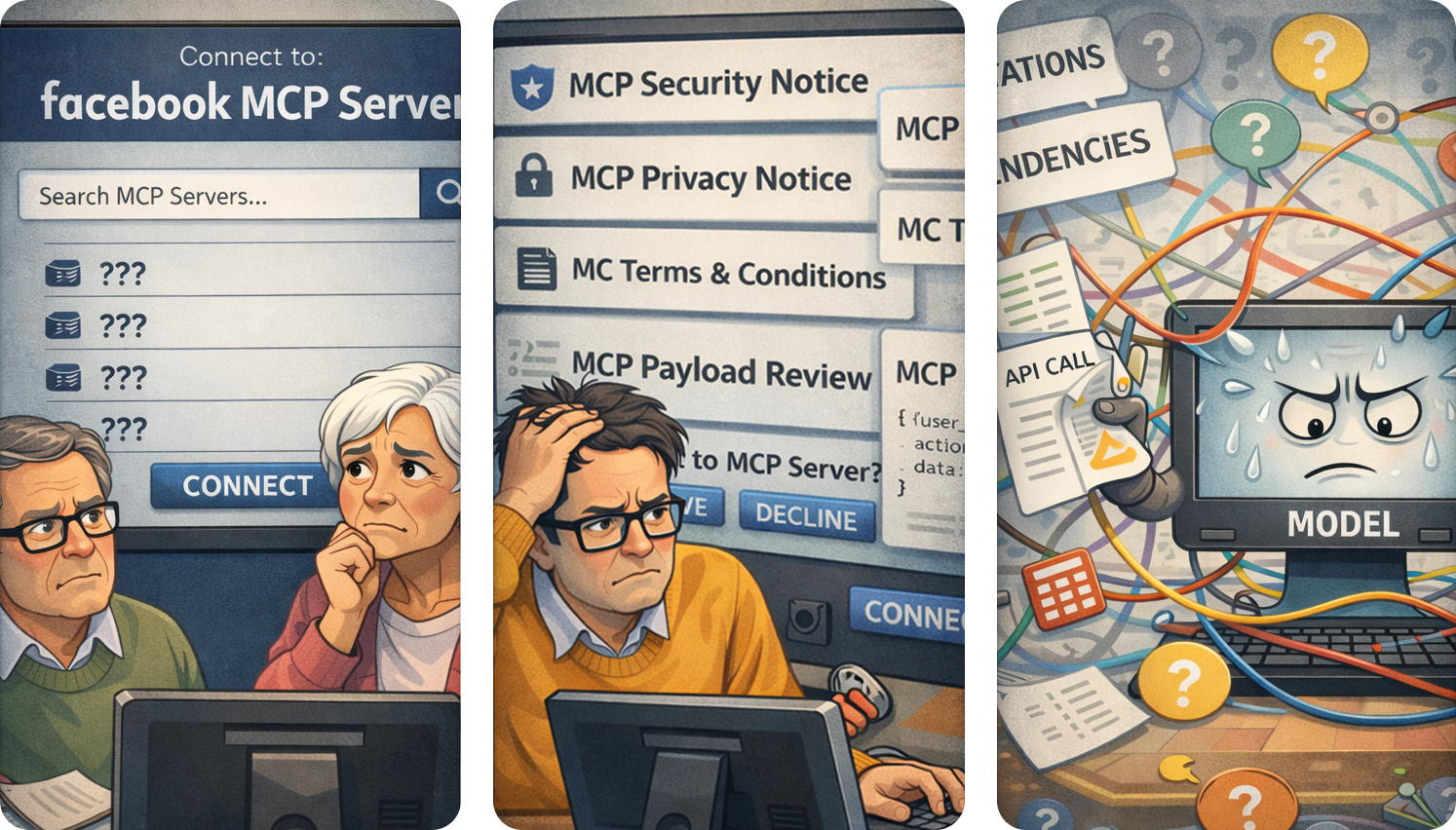
MCP needs browser-like discovery, connection, and interaction patterns before MCP servers feel natural to everyday users.
MCP has made the server side of agent integrations feel much less bespoke. A tool can expose a schema, a host can call it, and the same server can work across different clients. That is a real win for developers.
It still does not feel like the web for users.
The web worked because browsers turned a messy network into a familiar product surface: search, URLs, HTTPS, permissions, rendering, tabs, history, forms, and buttons. MCP has the protocol layer, but it still needs the browser layer. Users need to find the right server, connect to it safely, understand what it can do, and interact with it through reliable UI instead of hoping a model sequences every action correctly.
TL;DR: MCP needs browser-like discovery, connection, trust, and UI. The official MCP Registry, the MCP Server Cards roadmap, and MCP Apps are moving the ecosystem in that direction, but builders still need to design for the gaps today.
1. Discovery needs a shared index
Imagine a non-technical user searching for a company’s MCP server. They should not need to know what an MCP server is, which host supports it, which transport it uses, or whether the GitHub repo they found is still maintained.
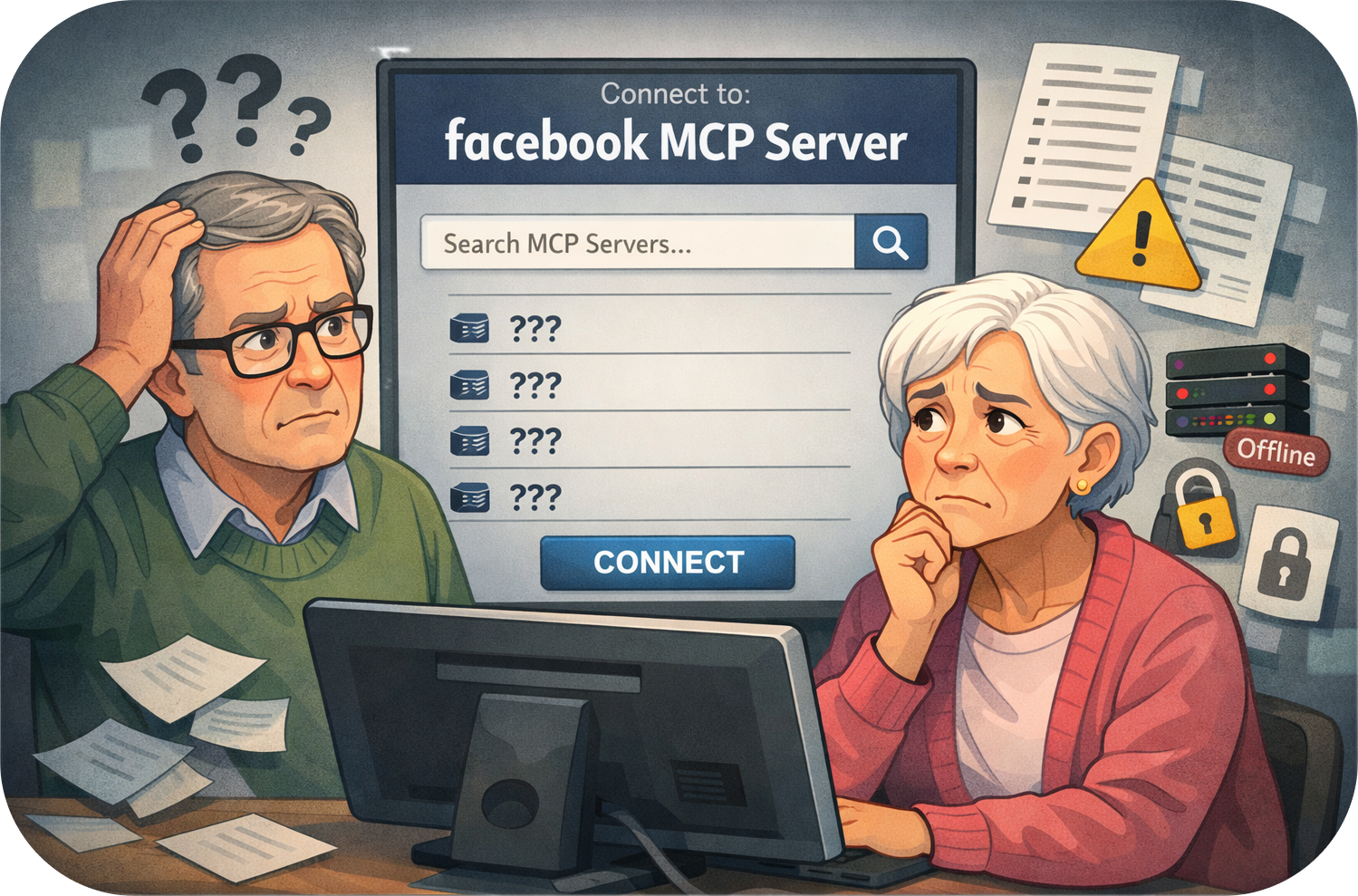
That is where MCP discovery still feels early. Developers can find servers through GitHub, docs pages, host directories, and curated lists, but those paths are fragmented. They do not give hosts a consistent way to answer basic questions:
- What does this server do?
- Who maintains it?
- Which tools, resources, and prompts does it expose?
- Does it support Streamable HTTP, stdio, or both?
- Does it require OAuth?
- Is it safe for read-only use, write actions, or payments?
The official MCP Registry is the most direct answer so far. It gives the ecosystem a shared registry project for server metadata instead of a loose pile of links. The roadmap also points toward MCP Server Cards, which would let a server publish structured metadata from a well-known location. A host, crawler, enterprise gateway, or local client could inspect that metadata before connecting.
For builders, this means discovery is becoming a product surface. Your server name, description, auth requirements, transport support, safety hints, and app screenshots matter because they may become the first thing a host or catalog sees.
2. Connection still asks too much from users
When you visit a website, the browser handles DNS, TLS, redirects, cookies, storage, sandboxing, and permissions. You still see security prompts in high-risk cases, but the ordinary path is quiet.
MCP connection is louder. A user may need to choose a server, paste a URL, approve scopes, review tools, sign in through OAuth, and trust that the model will use those tools correctly.
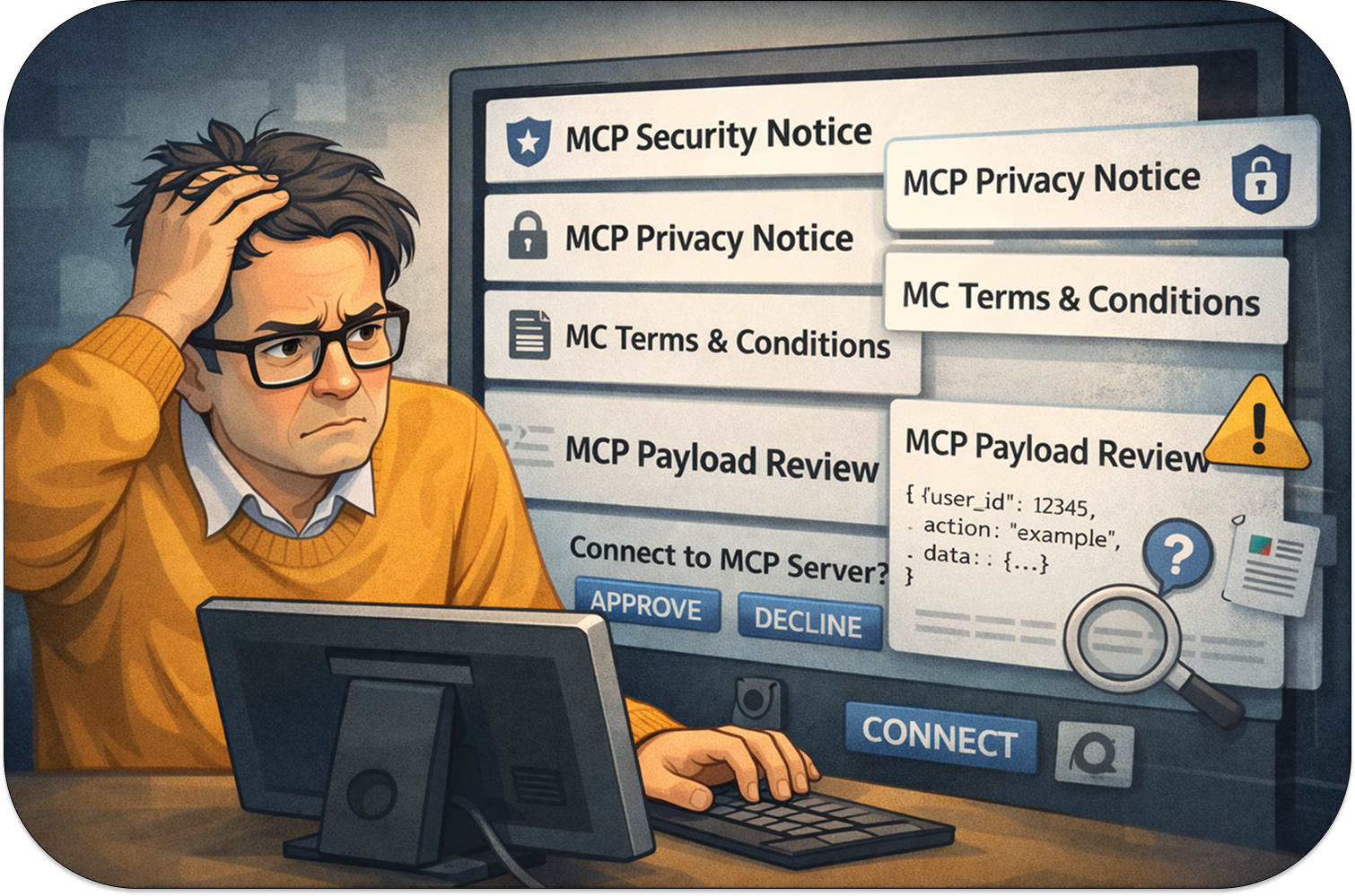
Some friction is correct. MCP servers can read private data and take real actions. Removing every prompt would be reckless. The better goal is browser-style friction: predictable, contextual, and tied to risk.
MCP has already moved in that direction. Streamable HTTP is now the main remote transport pattern, while older SSE-based paths are being phased out in host docs. OAuth and metadata discovery have become part of the normal production checklist. The roadmap also calls out enterprise-managed auth, gateway patterns, and configuration portability so organizations can approve and route MCP servers without asking every user to reason through raw protocol details.
If you are building an MCP server today, treat connection as part of the product:
- Prefer current Streamable HTTP patterns for remote servers.
- Make OAuth discovery boring and well tested.
- Keep read-only tools separate from write tools.
- Use tool annotations and descriptions that explain risk plainly.
- Test connection flows in each host you plan to support.
That work is not just enterprise polish. It is how MCP gets closer to the web’s default expectation: users can connect without becoming protocol reviewers.
3. Use needs deterministic UI
On a website, a server can render the exact UI it wants users to see. A checkout page, calendar picker, spreadsheet, map, or review queue does not need to be reconstructed by a model one API call at a time.
Plain MCP tool use is different. The model chooses which tool to call, when to call it, what arguments to pass, and how to explain the result. That works well for many tasks, but it is a weak fit for workflows where users need to inspect data, compare options, edit fields, confirm actions, or recover from errors.
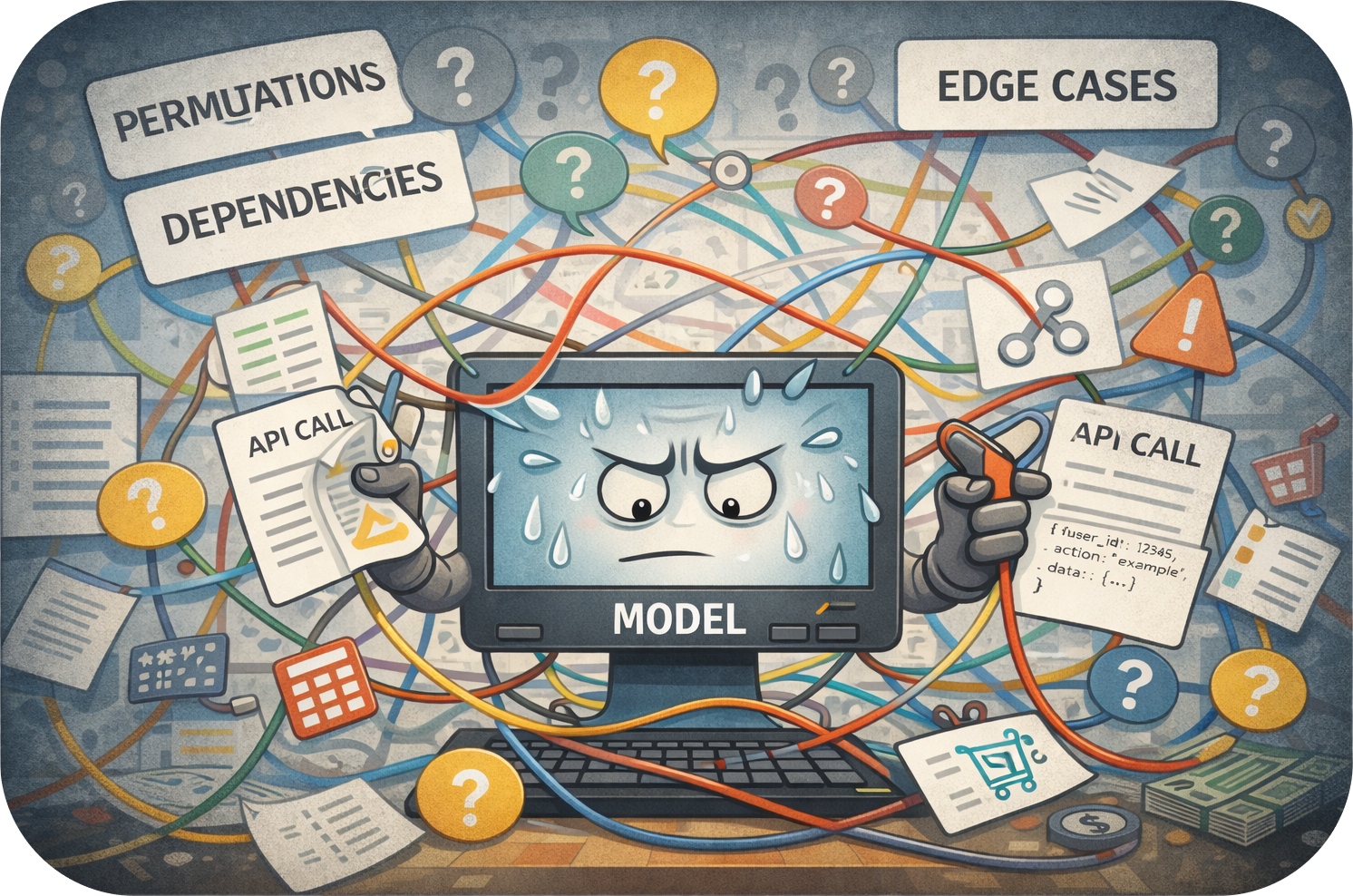
MCP Apps are the browser-like answer. A tool can link to a resource with _meta.ui.resourceUri, then the host can render that resource as interactive UI. The app can use structured tool results, hidden _meta data, host context, bridge actions, and display mode hints to behave like software instead of a long text transcript.
That distinction matters. A travel app can show an itinerary editor. A billing app can render an invoice review screen. A project app can show a board. The model can still help users find and start the workflow, but the sensitive interaction can happen in deterministic UI owned by the server.
The current developer lesson is simple: design MCP Apps like small, embedded web apps. Use the model for intent and orchestration, then use app UI for stateful work, confirmation, edits, and visual inspection.
4. Trust needs a clearer contract
Browsers also gave the web a trust model. It is imperfect, but users understand enough of it to make decisions: domain names, HTTPS, permission prompts, downloads, popups, and site settings.
MCP trust is still less legible. A user may see a tool list, but that does not answer the questions they care about:
- Can this server read private files?
- Can it mutate data?
- Can it call external systems?
- Will it store conversation context?
- What happens if the model calls the wrong tool?
The protocol has pieces of the answer. Tool annotations can describe read-only, destructive, idempotent, and open-world behavior. OAuth scopes can split access by capability. Server metadata can explain who owns the server and how to connect. MCP Apps can move dangerous actions into explicit UI confirmations.
The missing part is consistency across hosts. Until that matures, developers should assume users will not read a long permission wall. Put the riskiest facts in the tool names, descriptions, annotations, UI copy, and confirmation flows. Make the safe path obvious.
What changed since the original post
The first version of this post was written when MCP Apps had just become visible to most developers. Since then, the direction is clearer:
- MCP Apps are documented as an MCP extension, not just a host-specific app surface.
- The standard metadata path, including
_meta.ui.resourceUri, is now the center of portable app development. - The MCP Registry gives discovery a real home instead of relying only on scattered directories.
- Server Cards, enterprise auth, and gateway patterns are active roadmap items.
- Streamable HTTP is the remote transport path builders should target for new work.
- ChatGPT Apps and Claude Connectors are best treated as host implementations of the broader MCP model, with host-specific behavior layered on top.
That last point is the practical one. If you build only for one host, you may ship faster this week. If you build against the MCP App model and test host differences, you get a better chance at portability as hosts keep adding support.
What builders should do now
If you are building an MCP App, the browser analogy turns into a checklist.
Start with discovery. Write metadata and docs so a host, registry, and user can understand your server without connecting to it. Keep your app name specific. Show the main use cases. Link to setup docs and auth requirements. If your server card or registry entry is the first page someone sees, it should answer the same questions your homepage would answer.
Then handle connection. Use current transport and OAuth patterns. Test first-run setup, expired tokens, missing scopes, disconnected servers, and server restarts. A connection bug is not just an infrastructure bug in MCP. It blocks the whole app.
After that, design the UI. Return structured data that the model can reason about, but keep detailed UI state in _meta when it should not be visible to the model. Use resources for the parts that need buttons, forms, charts, tables, maps, or confirmation flows. Keep app-only tools hidden from the model when the UI should call them directly.
Finally, test across hosts. ChatGPT, Claude, and other MCP App hosts share the same core ideas, but they differ in display modes, bridge capabilities, safe areas, file APIs, auth behavior, and resource caching. A browser-like ecosystem only works if developers stop treating one host as the whole internet.
Where sunpeak fits
sunpeak is built for this exact phase of MCP Apps. It gives you a local MCP App Inspector that replicates ChatGPT and Claude runtimes, so you can test discovery states, tool calls, resource rendering, display modes, themes, and simulations without paying for host accounts or burning model credits during the normal dev loop.
For new projects, npx sunpeak new scaffolds a full MCP App with tools, resources, local inspection, and tests. For existing MCP servers, npx sunpeak inspect --server <url> lets you inspect the server locally and start adding automated coverage. The point is not to replace real-host testing. It is to make real-host testing the final check instead of the only way to see whether your app works.
MCP still needs a browser. Until that browser exists as a single product surface, builders have to supply the missing pieces: clear discovery, low-friction connection, deterministic UI, and tests that cover more than one host.
Get Started
npx sunpeak newFurther Reading
- What is an MCP App? Architecture, hosts, and how to build one
- MCP App discovery: Server Cards, manifests, and .well-known metadata
- MCP App tool metadata: resourceUri, visibility, and app-only tools
- MCP App lifecycle: connect(), tool input, results, and teardown
- How to build an MCP App for ChatGPT and Claude
- sunpeak MCP App framework overview
- sunpeak MCP App Inspector
- MCP Apps extension overview
- MCP Registry documentation
- sunpeak docs and quickstart
Frequently Asked Questions
Why does MCP need a browser-like experience?
MCP already gives AI hosts a standard way to call external tools and read external resources, but users still need better discovery, connection, trust, and UI. Browsers solved those problems for the web by standardizing URLs, search, HTTPS, permissions, rendering, and navigation. MCP needs similar product primitives before non-developers can use MCP servers as naturally as websites.
What is the MCP Registry?
The MCP Registry is the official registry project for publishing and discovering MCP servers. It gives clients, hosts, and catalogs a shared place to find server metadata instead of relying only on scattered GitHub repos, docs pages, or host-specific directories.
What are MCP Server Cards?
MCP Server Cards are a roadmap item for exposing structured server metadata through well-known URLs. A useful server card can describe what a server does, how to connect, which transports it supports, which auth flow it expects, and what safety properties clients should know before connecting.
What are MCP Apps?
MCP Apps are the official MCP extension for interactive UI. A tool can point at a UI resource, usually through _meta.ui.resourceUri, and the host can render that resource in a sandboxed frame. This lets developers return forms, dashboards, maps, review screens, and other deterministic UI instead of making the model orchestrate every step as text.
How do ChatGPT Apps relate to MCP Apps?
ChatGPT Apps are MCP Apps running inside ChatGPT. The current Apps SDK guidance uses the MCP App model for tools, resources, component metadata, bridge APIs, and ChatGPT-specific compatibility fields. Builders should prefer standard MCP App metadata where it exists, then add ChatGPT-specific keys only where the host requires them.
How do Claude Connectors relate to MCP Apps?
Claude Connectors are Claude integrations built on MCP. A connector can expose tools, resources, and, when the host supports it, interactive MCP App UI. For developers, the important point is that the same MCP server and app model can target ChatGPT, Claude, and other MCP-compatible hosts when you avoid host-only assumptions.
Can one MCP App work across ChatGPT and Claude?
Yes, if it is built against the MCP Apps standard and tested across host differences. The app should keep host-specific behavior behind feature detection, use standard tool and resource metadata where possible, and verify display modes, auth, safe areas, file APIs, and bridge actions in each host runtime.
How can I test MCP Apps locally without paid accounts?
sunpeak provides an MCP App Inspector that replicates the ChatGPT and Claude runtimes locally. You can render resources, call tools, switch host shells, test display modes and themes, pin states with simulations, and run automated E2E, visual, and eval tests in CI without relying on paid host accounts for the default development loop.
