MCP Apps vs A2UI: Which Agent UI Standard Should You Use?
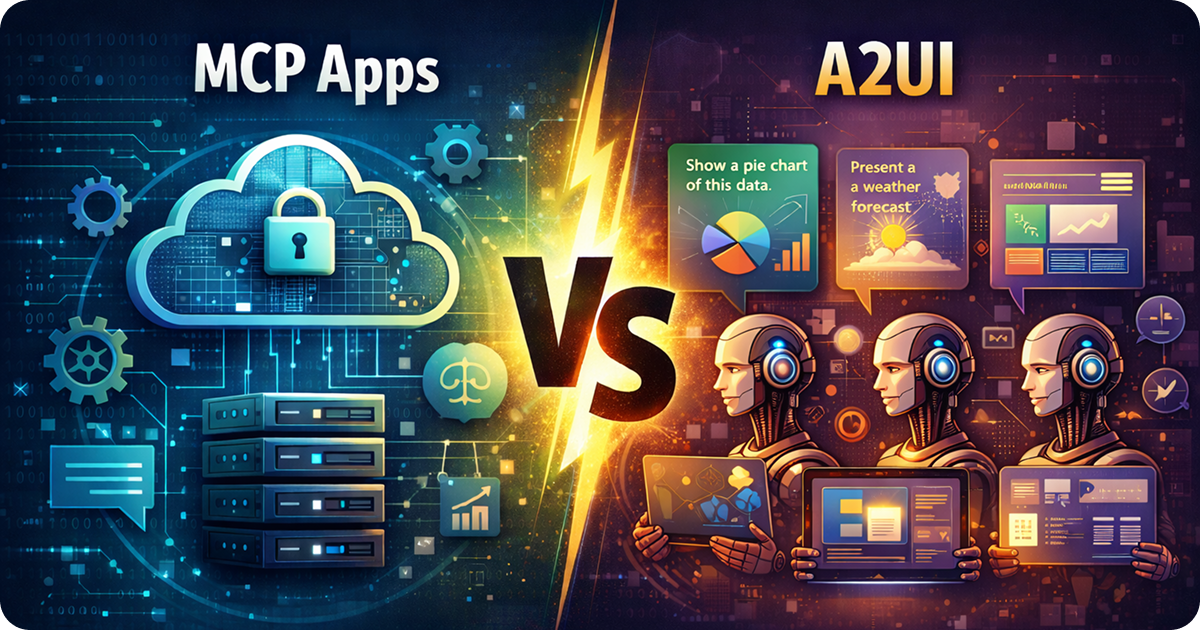
Two agent UI standards launched within weeks of each other in late 2025: MCP Apps and Google’s A2UI. Both solve the problem of interactive interfaces for AI agents, but they represent fundamentally different philosophies. One is about developers building tools for agents to use. The other is about agents generating interfaces themselves.
TL;DR: MCP Apps are developer-built applications that extend agent capabilities — tools from external developers (like Figma, Asana, Slack) that agents invoke during conversations. A2UI lets agents generate UI at runtime to visualize data and present information based on conversation context. MCP Apps are for building external tools. A2UI is for agents projecting dynamic interfaces.
What MCP Apps Are
MCP Apps are developer-built tools that extend what agents can do during conversations. External developers (companies like Figma, Canva, Asana, Slack) build applications that agents can invoke when users need specific functionality. When an agent calls one of these tools, the host loads the app’s UI into a sandboxed iframe directly in the conversation.
Think of MCP Apps as plugins or extensions for AI conversations. The developer controls the entire implementation — the UI, the logic, the data handling. When a user asks ChatGPT to “create a Figma design” or “add a task to Asana,” the agent invokes the corresponding MCP App, which renders its interface for the user to interact with.
MCP Apps are part of the MCP ecosystem. The MCP App Extension (SEP-1865) reached stable status on January 26, 2026, and is maintained under the Linux Foundation. As of February 2026, MCP Apps run in ChatGPT, Claude (web and desktop), Goose, and VS Code Insiders.
You build MCP Apps by writing code — web UI components (Resources) and Tools served by an MCP server. The output is a bundled web application that the agent invokes when appropriate.
What A2UI Is
A2UI (Agent to UI) lets agents generate user interfaces at runtime to visualize data and present information. Instead of developers building every possible UI upfront, the agent decides what interface to show based on the current conversation context. The agent generates A2UI JSON describing the UI it wants to display, and your client renders it.
This flips the traditional model. In a normal app, developers build the UI and the agent fills it with data. With A2UI, the agent builds the UI itself — choosing which components to use, what data to display, and how to structure the interface. The agent becomes the UI designer, generating interfaces that best suit the user’s needs in that moment.
You define a catalog of pre-approved components (buttons, cards, charts, text fields), and the agent composes them into interfaces. Your client maps each component to its native implementation — React on web, Flutter on mobile, SwiftUI on iOS. The same A2UI JSON from an agent renders across platforms.
A2UI is already in production in Google products like Opal, Gemini Enterprise, and Flutter GenUI. The protocol prioritizes security through declarative JSON (no code execution) and a pre-approved component catalog that prevents agents from injecting arbitrary UI.
Google released A2UI in December 2025 under Apache 2.0. As of February 2026, it’s at version v0.8 with reference renderers for web and Flutter, and production integrations in projects like Opal, Gemini Enterprise, and Flutter GenUI.
Side by Side
| MCP Apps | A2UI | |
|---|---|---|
| Purpose | Extend agent capabilities with external tools | Let agents generate UI for data visualization |
| Who controls the UI? | Developer builds the interface | Agent generates the interface at runtime |
| Built by | External developers (Figma, Asana, etc.) | The AI agent itself |
| What you ship | Complete application (bundled web app) | Component catalog + renderer |
| When UI is created | Build time (developer writes code) | Runtime (agent generates JSON) |
| Use case | Add tools to conversations (forms, dashboards, workflows) | Present data dynamically (charts, summaries, visualizations) |
| Where it runs | Inside AI conversations (ChatGPT, Claude, etc.) | Any app where agents need to show UI |
| Standard body | Linux Foundation (MCP) | Google (open source) |
When to Use MCP Apps
Use MCP Apps when you’re building a tool that extends what agents can do. If you have a product or service that users should be able to access from within AI conversations, MCP Apps let you build that integration.
MCP Apps work well for:
- External products and services: Integrate your existing product (like Figma, Asana, Slack) into AI conversations
- Specialized workflows: Build tools for specific tasks (form builders, data analyzers, project managers)
- Controlled experiences: You define exactly how the UI works and what the user can do
The tradeoff is that you’re building and maintaining a full application. You control the implementation, which gives you flexibility but requires ongoing development work.
If you’re building an MCP App, sunpeak is an open-source MCP App framework that includes a local inspector, pre-built components, and testing with a built-in testing framework. You can scaffold a project and start developing without connecting to a live AI host.
npx sunpeak new sunpeak-app
cd sunpeak-app && pnpm dev
# Inspector at localhost:3000
When to Use A2UI
Use A2UI when you want agents to generate their own interfaces for presenting data and visualizations. If your agent needs to show different UIs based on what the user is asking for — charts for data analysis, forms for data collection, summaries for reports — A2UI lets the agent choose the right interface dynamically.
A2UI works well for:
- Dynamic data visualization: The agent decides how to visualize data based on what makes sense (charts, tables, cards)
- Context-aware interfaces: The UI adapts to the conversation — different questions get different interface layouts
- Cross-platform agent experiences: The same agent-generated UI renders natively on web, mobile, and desktop
The tradeoff is that you’re delegating UI control to the agent. You define the component catalog, but the agent decides what to show. This requires agents that understand when to use which components, and careful catalog design to give them the right building blocks.
A2UI is a protocol, not a framework. You’ll need to integrate a renderer (Google provides reference implementations for web and Flutter) and define your component catalog.
Can You Use Both?
Potentially. You could use A2UI JSON in the interface for your MCP App so that your App can render information based on agent-selected UI primitives. This somewhat defeats the purpose of MCP Apps, though. MCP Apps are for far more flexible UIs, but if you just want an agent to render your data using A2UI, you should just offer a vanilla MCP server and allow the agent to use A2UI itself.
The Bigger Picture
MCP Apps and A2UI represent two different philosophies about AI interfaces.
MCP Apps: Developers build tools that agents use. This is the extension model — external products and services (Figma, Asana, calendars, project management) get integrated into conversations through developer-built applications. The developer controls the implementation, the agent controls when to invoke it.
A2UI: Agents build interfaces to show users. This is the generative UI model — instead of developers anticipating every possible interface upfront, agents generate the right UI for each moment based on conversation context. The agent controls both what to show and how to show it.
Both are production-ready. Both are open standards. The choice depends on whether you’re building a tool for agents to use (MCP Apps) or letting agents generate their own interfaces (A2UI).
Both are open standards. Both are production-ready as of early 2026. Both have active communities. The choice comes down to your use case: conversation-embedded or standalone, single-platform or cross-platform, developer-written or agent-generated.
Sources:
Get Started
npx sunpeak new
Further Reading
- Documentation - guides, API reference, and tutorials
- MCP Overview - protocol primer
- Tools
- Resources
- MCP Apps Introduction - core architecture and concepts
- What Is an MCP App? - architecture and how MCP Apps work
- How to Build a ChatGPT App - step-by-step walkthrough
- MCP App Framework - cross-host portability features
- A2UI.org - protocol specification and getting started guides
- A2UI GitHub - reference renderers and examples
Frequently Asked Questions
What is the difference between MCP Apps and A2UI?
MCP Apps are coded web applications (HTML/CSS/JavaScript) that render in sandboxed iframes inside AI conversations (ChatGPT, Claude, etc.). A2UI is a declarative JSON protocol where AI agents generate UI descriptions that your client application renders using native components (React, Flutter, Angular, SwiftUI). MCP Apps require you to write code; A2UI requires the agent to generate JSON from a pre-approved component catalog.
Are MCP Apps and A2UI compatible?
MCP Apps and A2UI solve different problems. MCP Apps lets developers embed data and visuals for use in agents, A2UI lets agents generate their own visuals for data.
Which is more secure: MCP Apps or A2UI?
Both are secure but in different ways. MCP Apps run in sandboxed iframes with strict CSP and no access to the host page. A2UI uses a declarative data format with no code execution — agents can only request components from a pre-approved catalog, preventing UI injection attacks. A2UI has stronger guarantees against runtime code injection.
Can I use MCP Apps outside of AI conversations?
MCP Apps are designed to run inside AI conversations (ChatGPT, Claude, Goose, VS Code). A2UI is designed for any application where an agent generates UI at runtime, whether inside a conversation or not. A2UI is more portable across different agent contexts.
How do I build an MCP App?
Use sunpeak, the open-source MCP App framework. Run "npx sunpeak new" to scaffold a project with a local inspector, MCP server, and React components. Your app works across ChatGPT, Claude, Goose, and VS Code from the first line of code.
Which companies are using A2UI?
A2UI is used in production by Google projects including Opal, Gemini Enterprise, and Flutter GenUI. The protocol is open source (Apache 2.0) with contributions from CopilotKit and the broader community. It is in early-stage public preview at version v0.8 as of February 2026.
Which companies support MCP Apps?
MCP Apps (SEP-1865, stable January 2026) are supported by ChatGPT, Claude (web and desktop), Goose, and VS Code Insiders. The standard is maintained under the Linux Foundation alongside the core Model Context Protocol. Companies like Figma, Canva, Asana, and Slack have built MCP Apps for Claude.
